
Pure Dart
No native code, no WebView, no JavaScript. The engine’s tests run on the Dart VM and compiled to JavaScript, and the widgets are plain Flutter text.
Syntax highlighting for Dart and Flutter — a pure-Dart engine with 55 languages, and widgets to show and edit code.
// Flutter: show highlighted codeCodeView(source, language: dartLanguage)
// Pure Dart: highlighted HTMLfinal html = const Highlighter().toHtml(source, language: dartLanguage);
val_highlight is a syntax highlighter written in pure Dart. The same engine runs in Flutter apps, on servers, in command-line tools and on the web, and a companion package adds Flutter widgets to show code and to edit it.
| Package | Use it for |
|---|---|
val_highlight |
The engine. 55 languages plus a generic fallback and plain text, flat tokens, incremental updates, language detection, 8 themes, VS Code theme import and HTML output. No Flutter dependency. |
val_highlight_flutter |
Flutter widgets: CodeView to show code, CodeField to edit it, HighlightTextController for any TextField, and CodeTheme for app-wide defaults. Re-exports the core API of val_highlight. |
flutter pub add val_highlight_flutter val_highlight material_uiThen follow Getting started.
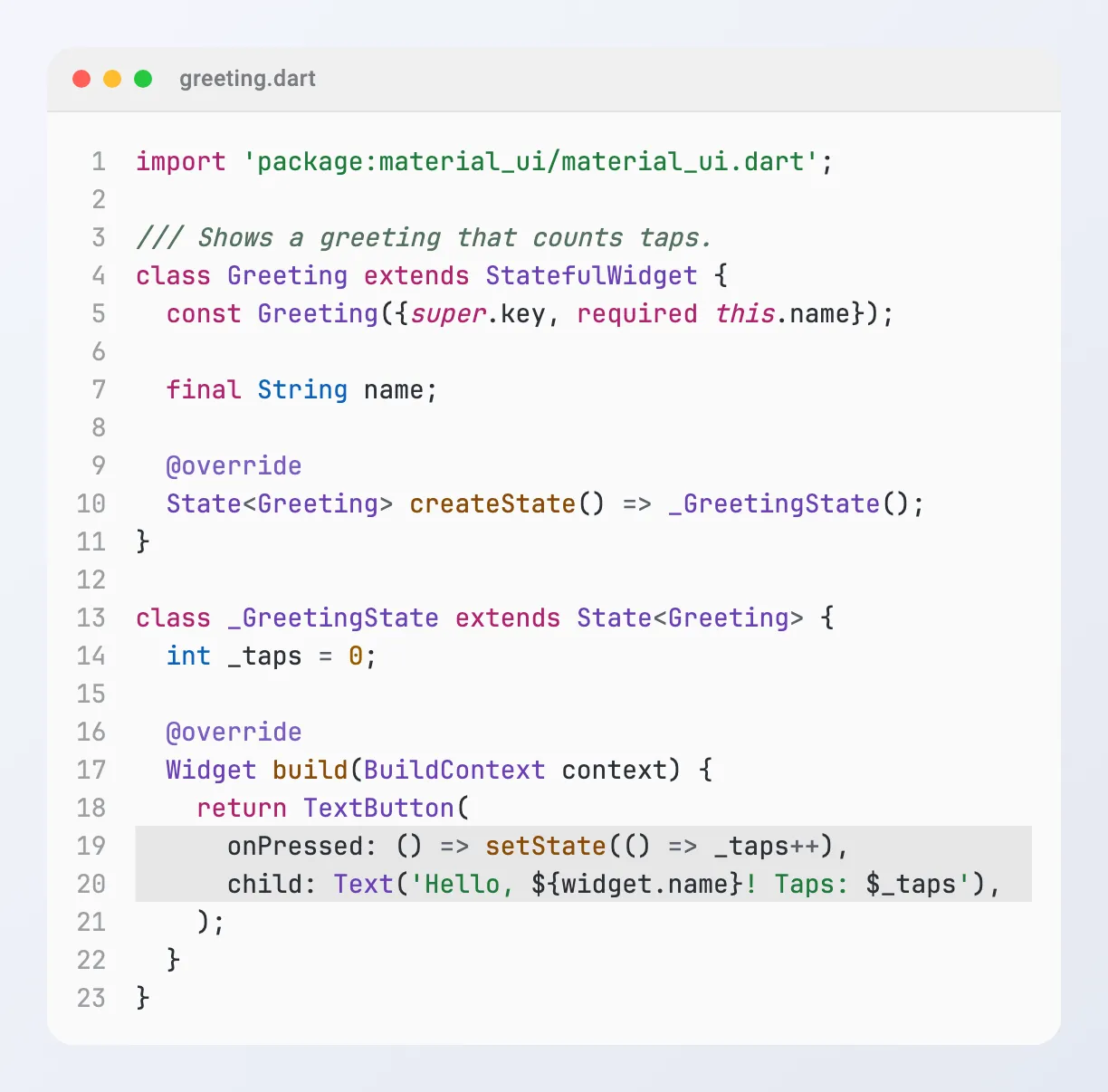
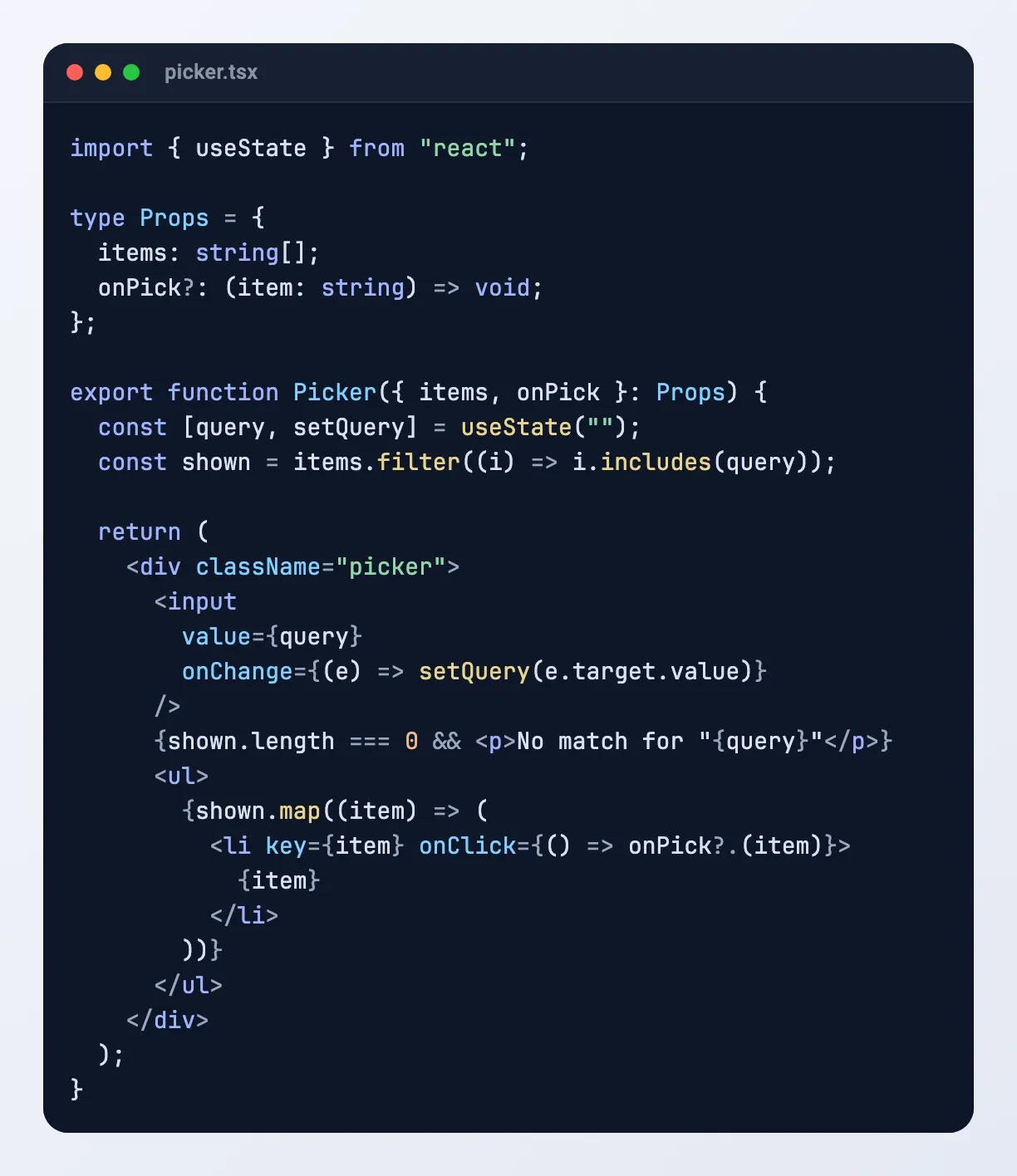
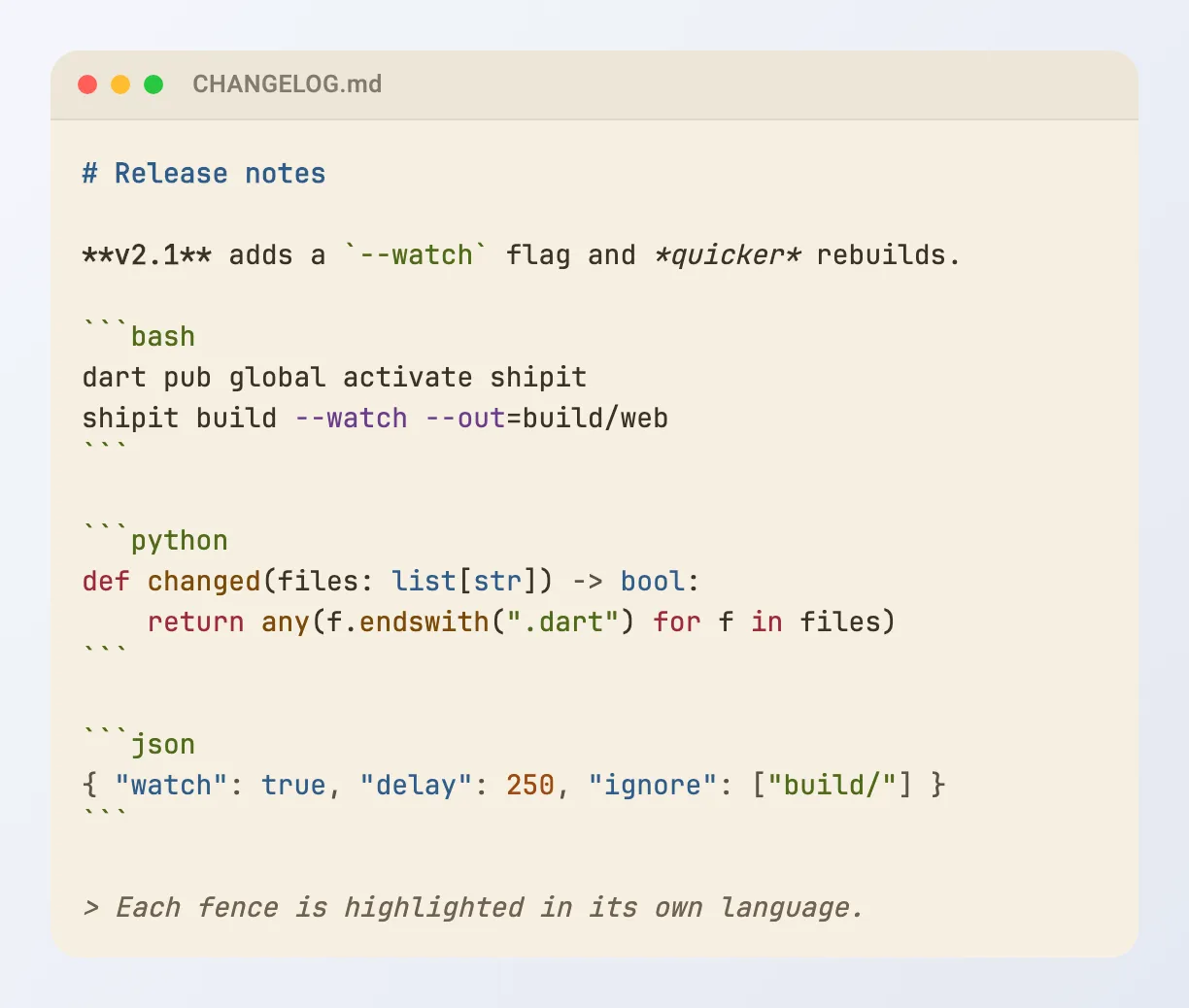
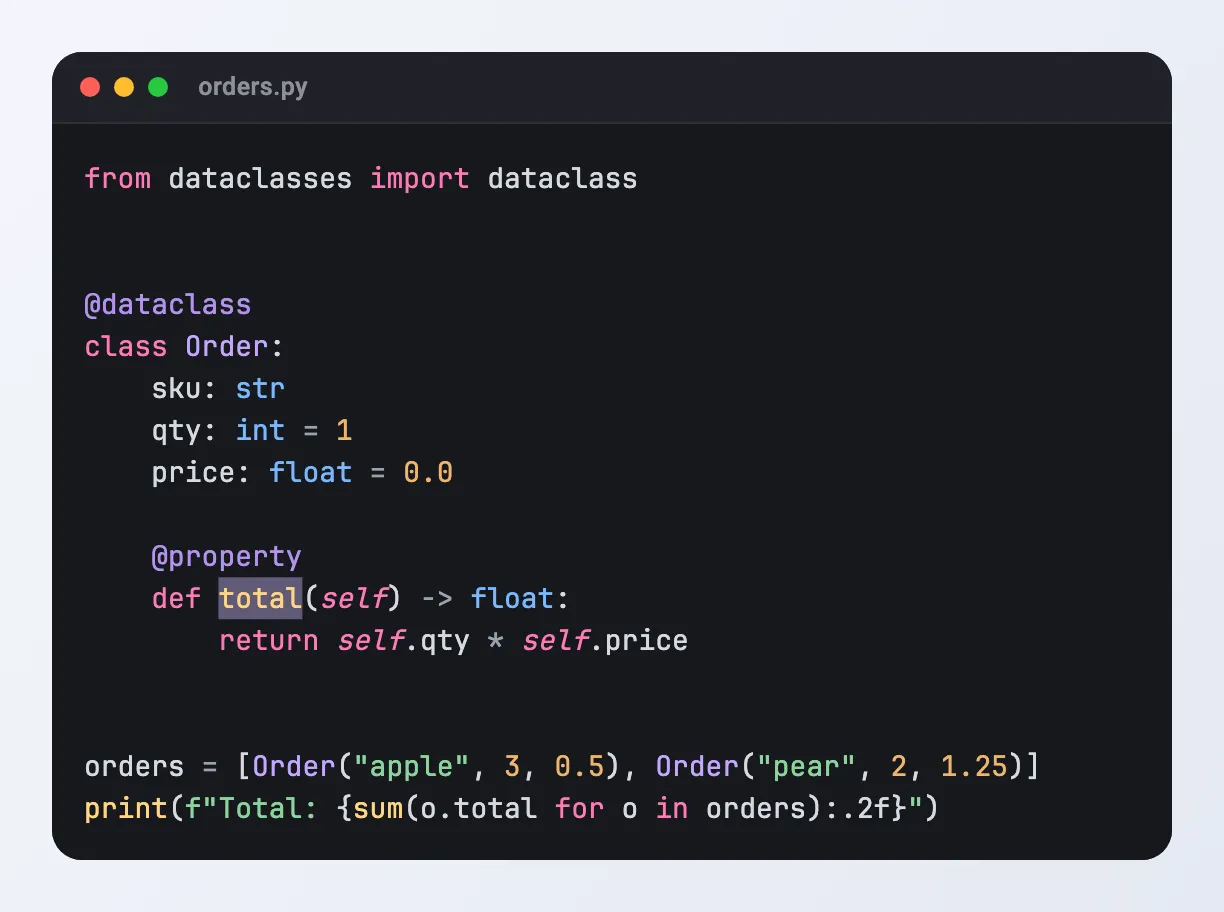
Each image is one widget from val_highlight_flutter, framed as a small
window and rendered by the package’s screenshot generator
(tool/screenshots/).
JetBrains Mono stands in for the platform’s monospace font.
Pure Dart
No native code, no WebView, no JavaScript. The engine’s tests run on the Dart VM and compiled to JavaScript, and the widgets are plain Flutter text.
Incremental
After an edit, only the lines it can affect are scanned again — what
CodeField uses on every keystroke. See
incremental highlighting.
Small imports
Every language and theme is its own const import, so an app ships the
ones it uses. languages/all.dart brings in all of them.
Yours to change
Add keywords, put your own rules first, write a grammar from building blocks, adjust a theme or import one from VS Code — with the API the built-in languages use.
genericLanguage, which
highlights what most languages share, and plainTextLanguage. HTML
highlights its <style> and <script> content; Markdown highlights each
fenced block in its own language.ValTheme.fromVsCodeJson reads a VS Code color theme.string > interpolation, plus the questions an editor asks: the matching
bracket, and whether a position is inside a string or comment.The engine’s code samples in these pages are mirrored in
val_highlight/test/docs/snippets_test.dart,
which checks the results the pages quote. The API reference at the end of
each page, the language and theme lists and the scope table are generated
from the source, and a test fails when they fall behind.