
Flutter widgets
The widgets in val_highlight_flutter — show code, edit it, or highlight a plain TextField — each with a preview and the code behind it.
Each page opens with the widget as the package draws it, the code behind the picture, then its options and an API reference generated from the source: every parameter with its type and default, and every member.
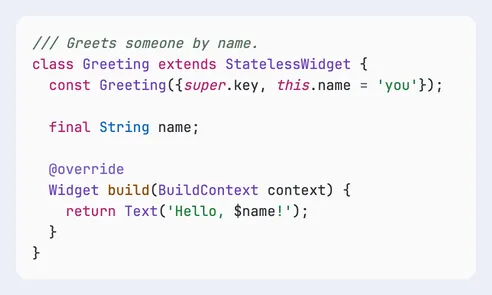 CodeViewShow code: line numbers, highlighted lines, tappable tokens, long files
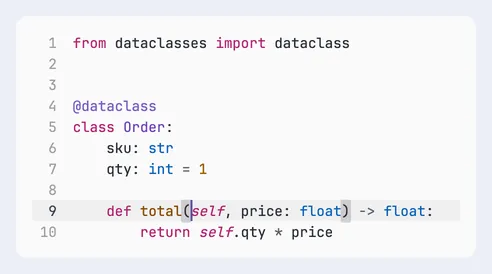 CodeFieldEdit code: auto-closing brackets, indentation, comment toggling
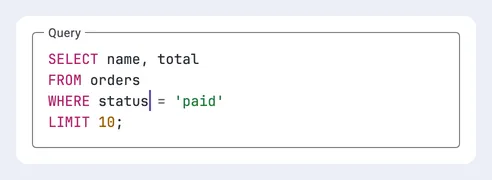 Highlighted TextFieldHighlighting and code typing in a TextField you already have
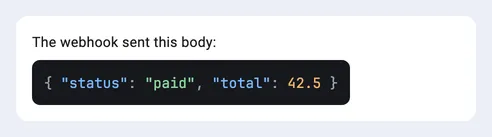 Custom renderingHighlighted spans for your own widgets
Every preview is rendered by the package’s screenshot generator from the
example file shown on the page
(tool/screenshots/examples/),
in a light Material 3 app, so the picture and the code always agree. The
generator draws monospace with JetBrains Mono, and turns off its
ligatures so => shows as typed.
The widgets take their app-wide defaults — the light and dark themes, the
code text style, and for CodeView its padding and line numbers — from a
CodeTheme set once on your ThemeData. See
Themes.